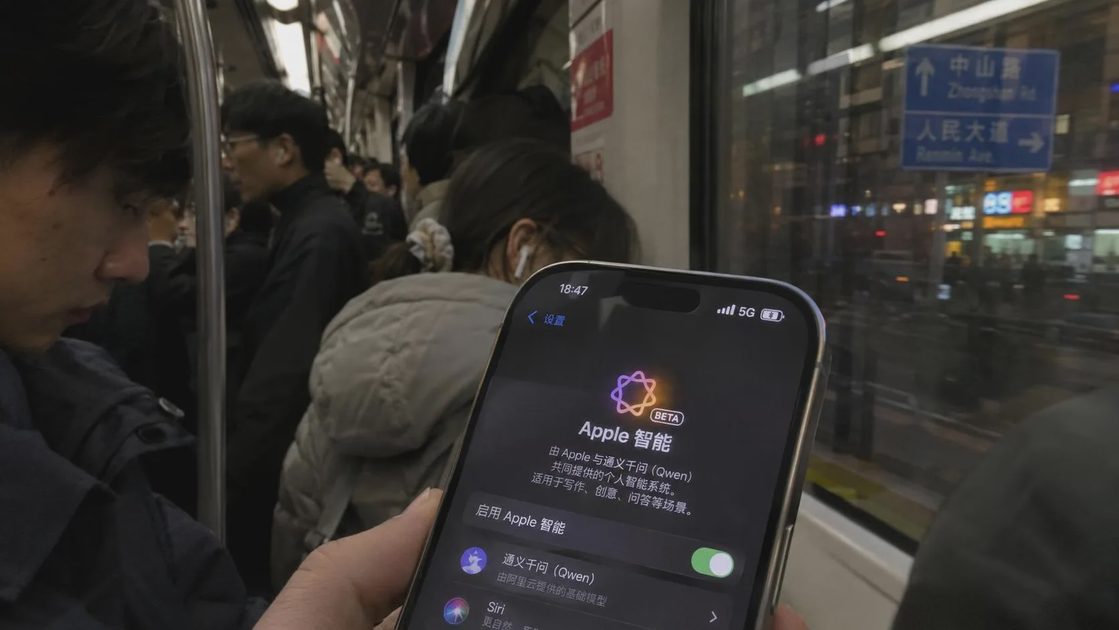
Apple Intelligence features for mainland China began testing in the iOS 27.3 developer beta on 4 November 2026 and are scheduled to reach users with the public iOS 27.3 release in December. Availability is gated by hardware, language settings, and region/account conditions. This checklist gathers the confirmed requirements so you can determine whether a given device will see the features.
It expands on the overview in Apple Intelligence Finally Reaches China — With Qwen as the Local Partner and focuses only on eligibility facts reported from Apple’s China announcement and subsequent coverage.
1. Supported Hardware (iPhone Only in the First Wave)
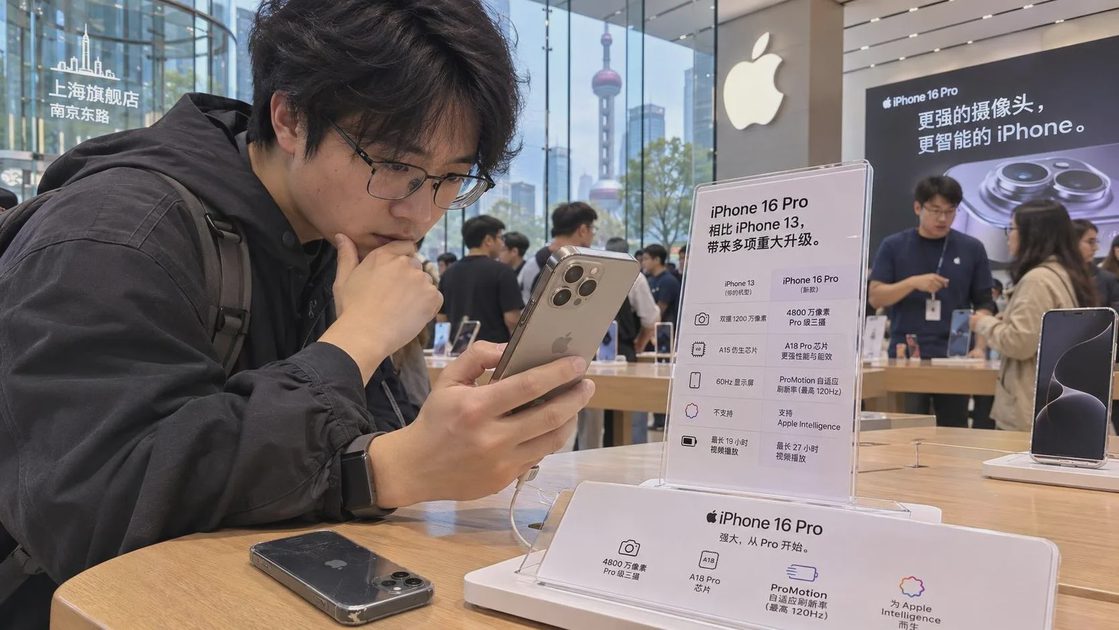
The initial China release is limited to specific iPhone models. Apple’s list for the China first-wave features is:
iPhone 15 Pro
iPhone 15 Pro Max
iPhone 16 and all later iPhone models
iPhone Air
iPhone Duo
Standard iPhone 15 and iPhone 15 Plus are not included. Older generations (iPhone 14 and earlier) are also excluded. This matches the silicon requirements Apple has used for on-device generative features in other markets.
iPad, Mac, and Vision Pro support is not part of the first wave. Apple has stated that additional platforms will follow once the corresponding regulatory approvals are complete. Until then, the features remain iPhone-only for China users.
Quick check: Look up the exact model name in Settings > General > About. If it is not on the list above, the China Apple Intelligence features will not appear.
2. Software Version
The features require iOS 27.3.
Developer beta access opened 4 November 2026.
Public release is planned for December 2026 with iOS 27.3 (exact calendar date not specified in the announcement).
Installing an earlier iOS 27 point release is not sufficient. The device must be on 27.3 or the corresponding beta build that includes the China feature set.
3. Language Settings
Both the device language and the Siri language must be set to English or Simplified Chinese.
Most coverage of Apple’s China announcement describes the requirement as device language and Siri language set to English or Simplified Chinese. Some reports read the wording as requiring both to be the same supported language from that pair. In practice, the safest configuration for testing is:
Device language: English or Chinese
Siri language: the same choice
Changing only one of the two settings is unlikely to unlock the features. After changing languages, a restart is often needed before the system re-evaluates eligibility.
4. Region and Apple Account Conditions
Eligibility is not determined solely by the user’s physical location or nationality. Two paths are consistently reported:
The iPhone was purchased in mainland China, or
The device location and the Apple Account country/region are both set to mainland China.
Apple’s earlier support documentation noted that devices purchased in mainland China could not use Apple Intelligence while the features remained unavailable there, and that devices purchased elsewhere would also be blocked if the user was in mainland China with an Apple Account region set to China. When the features launch, previously purchased supported devices become eligible under the region/account rules above.
Practical implications:
A supported iPhone bought in China should qualify once iOS 27.3 is installed and language settings are correct.
A supported iPhone bought outside China can qualify if both the device’s location services / region setting and the Apple Account country/region are set to mainland China.
Simply being physically present in China with a foreign Apple Account is not sufficient.
Changing the Apple Account country/region has consequences (payment methods, media purchases, subscriptions). Do not change it solely for feature testing without understanding those side effects.
5. Additional Notes on Related Hardware
Live Translation face-to-face mode has its own accessory requirements. Supported AirPods include AirPods 4 with Active Noise Cancellation, AirPods Pro 2 and later, AirPods 5, and AirPods Max 2 on current firmware, paired with an iPhone that already has Apple Intelligence enabled. These accessories do not independently unlock the core features; they extend Live Translation once the iPhone is eligible.
Apple Watch features that depend on Apple Intelligence require pairing with a supported iPhone.
Checklist Summary
Use this sequence to verify eligibility:
Confirm the exact iPhone model is on the supported list (15 Pro / 15 Pro Max, 16 and later, Air, Duo).
Install iOS 27.3 (or the corresponding developer beta).
Set both device language and Siri language to English or Simplified Chinese.
Confirm either (a) the device was purchased in mainland China, or (b) device location + Apple Account country/region are both set to mainland China.
Restart the device and check Settings for Apple Intelligence options.
For Live Translation with AirPods, verify the specific AirPods model and firmware.
If any step fails, the features will not appear. The most common blockers in early testing are incorrect language settings and Apple Account region mismatches.
What Remains Outside the First Wave
Full Siri AI and certain later Apple Intelligence capabilities announced at WWDC 2026 are not included. iPad, Mac, and Vision Pro remain pending additional approvals. Exact behavior for travellers, dual-region accounts, or devices that move between countries may still be refined as the public release approaches.

Bottom Line
Eligibility for Apple Intelligence China is a combination of hardware generation, iOS 27.3, matching language settings, and a China-aligned purchase or account/location configuration. The supported iPhone list is short and clear. Language and region/account conditions are the points most likely to cause confusion. Run through the checklist above on the target device; the system will either surface the features or it will not. Further platform expansions and any refinements to the region rules will be reflected in later updates.




No comments yet — be the first to share a thought.